Code Walkthrough
Chromed editor windows that paint code line by line, unified diffs that strike and land, focus dims, typed terminal runs. Snippets are Prism-highlighted with a curated palette — readable first, branded second.
Example render
Build a rate limiter · 51s · TypeScript
What it's for
- Library and API tutorials
- Changelog and release walkthroughs
- Dev-tool marketing that developers respect
- Before/after refactor stories
The 10 scenes
A closed catalog — the agent picks from these, never invents new ones.
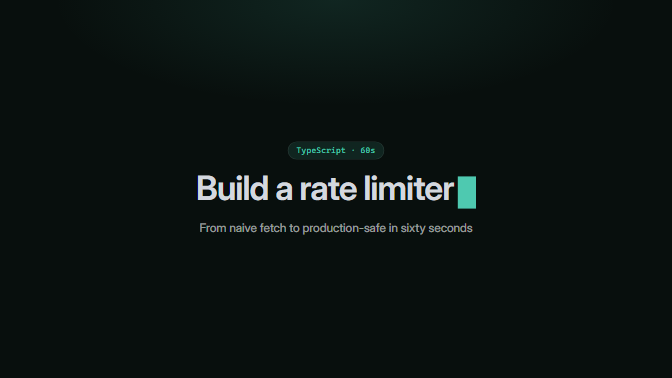
Opening card: mono tag chip, big title with a blinking block cursor, quiet subtitle.
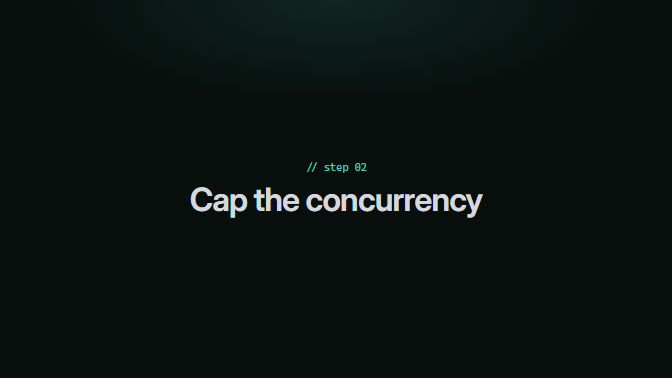
Section divider styled as a code comment: '// step 02' above a big label.
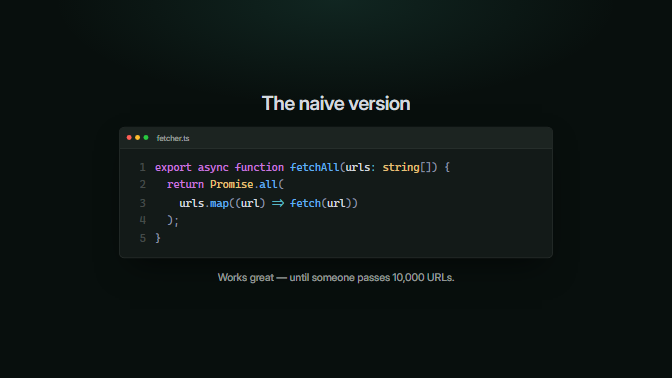
An editor window paints a snippet line by line; optional heading above and caption below.
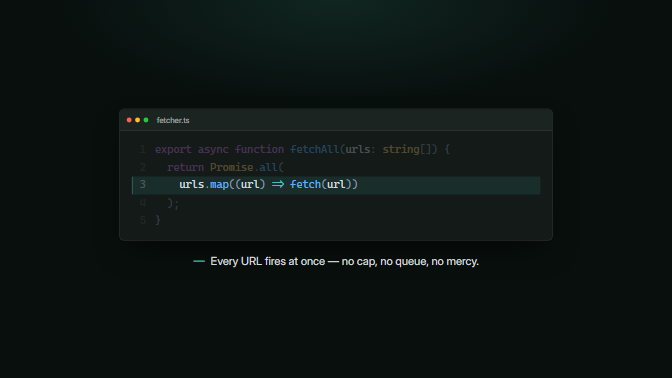
The full snippet shows briefly, then everything outside one line range dims; an accent-ruled callout lands beneath.
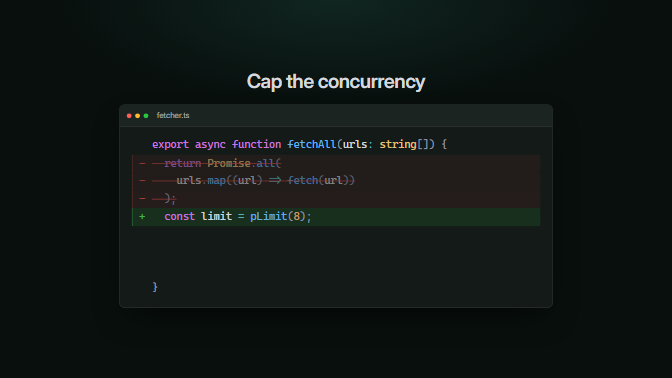
A unified diff plays out in order: context paints, deletions strike through, additions land green.
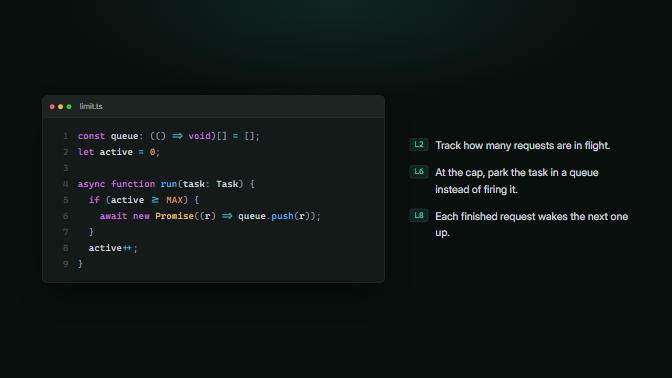
Code on one side, 2–4 explanation points on the other, each optionally tagged with the line number it covers.
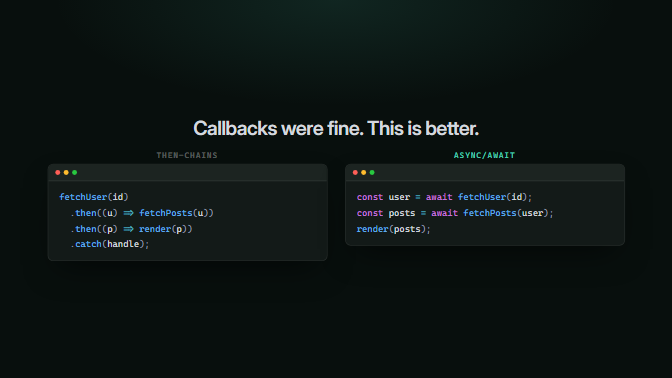
Two chromed windows side by side — the old way (muted label) and the better way (accent label), painting in turn.
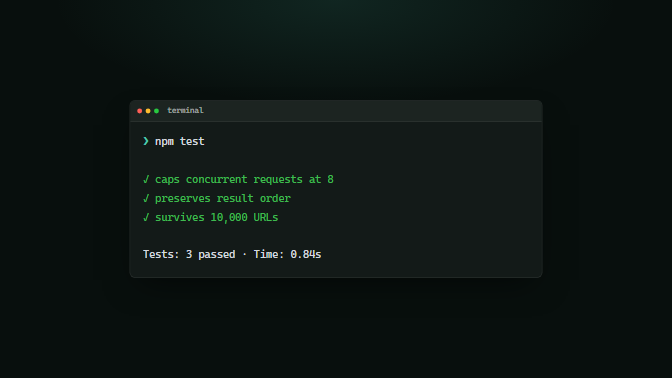
A terminal window: the command types out at the prompt, then output lines land in sequence with ok/warn/err tones.
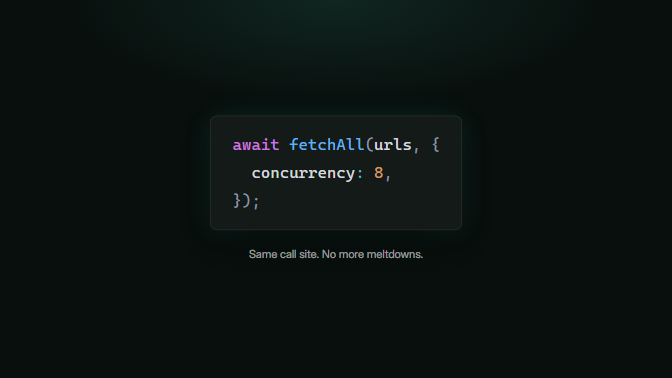
One tiny snippet (≤5 lines) rendered huge and chromeless with a soft accent glow — the money line.
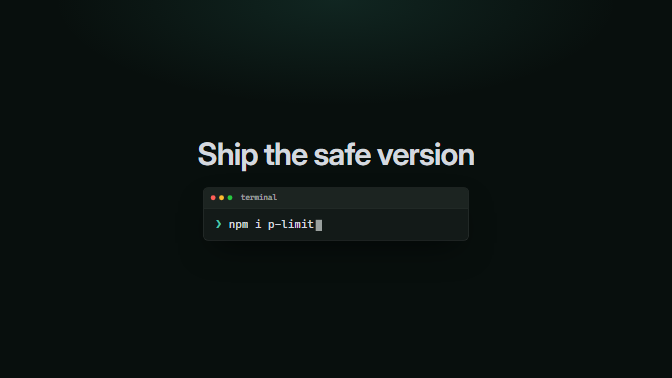
Closing card: the takeaway line over a terminal box holding the install command or repo URL, cursor blinking.
Install & run
framewright loginframewright init code-walkthrough